The problem
Datasets may contain names, email addresses, identification numbers, locations, and other sensitive information. Manual anonymisation can be inconsistent and may not clearly show what was changed or whether risks still remain.
Detailed project walkthrough
A local-first, privacy-aware anonymization workflow app that helps users identify sensitive information, review anonymisation suggestions, apply approved changes, and check whether privacy risks may still remain.
The problem
Datasets may contain names, email addresses, identification numbers, locations, and other sensitive information. Manual anonymisation can be inconsistent and may not clearly show what was changed or whether risks still remain.
What the application does
DataShield reviews the uploaded data, identifies possible privacy risks, recommends anonymisation actions, lets the user review the plan, applies approved changes, and checks the result.
Why it may be useful
It helps prepare data that is safer to analyse or share while keeping privacy decisions reviewable and producing repeatable reports and export files.
System design
The application separates recommendations, user decisions, applied changes, and final validation instead of treating anonymisation as one automatic step.
System thinking
Workflow
Application walkthrough
The application guides the user through each privacy decision instead of applying anonymisation as one automatic and unexplained action.
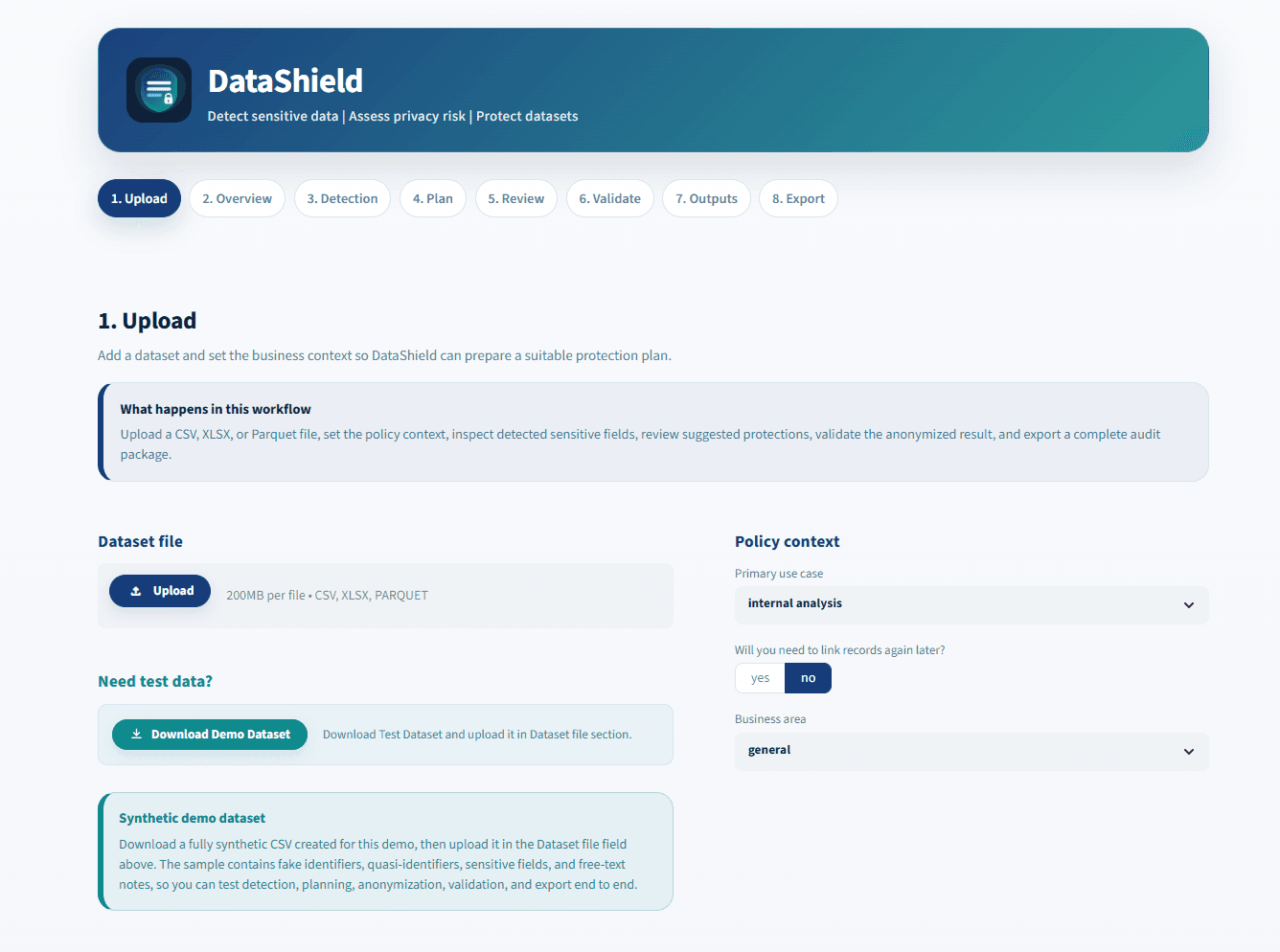
The user uploads a dataset and selects the business context. This gives the application information needed to prepare suitable privacy recommendations.
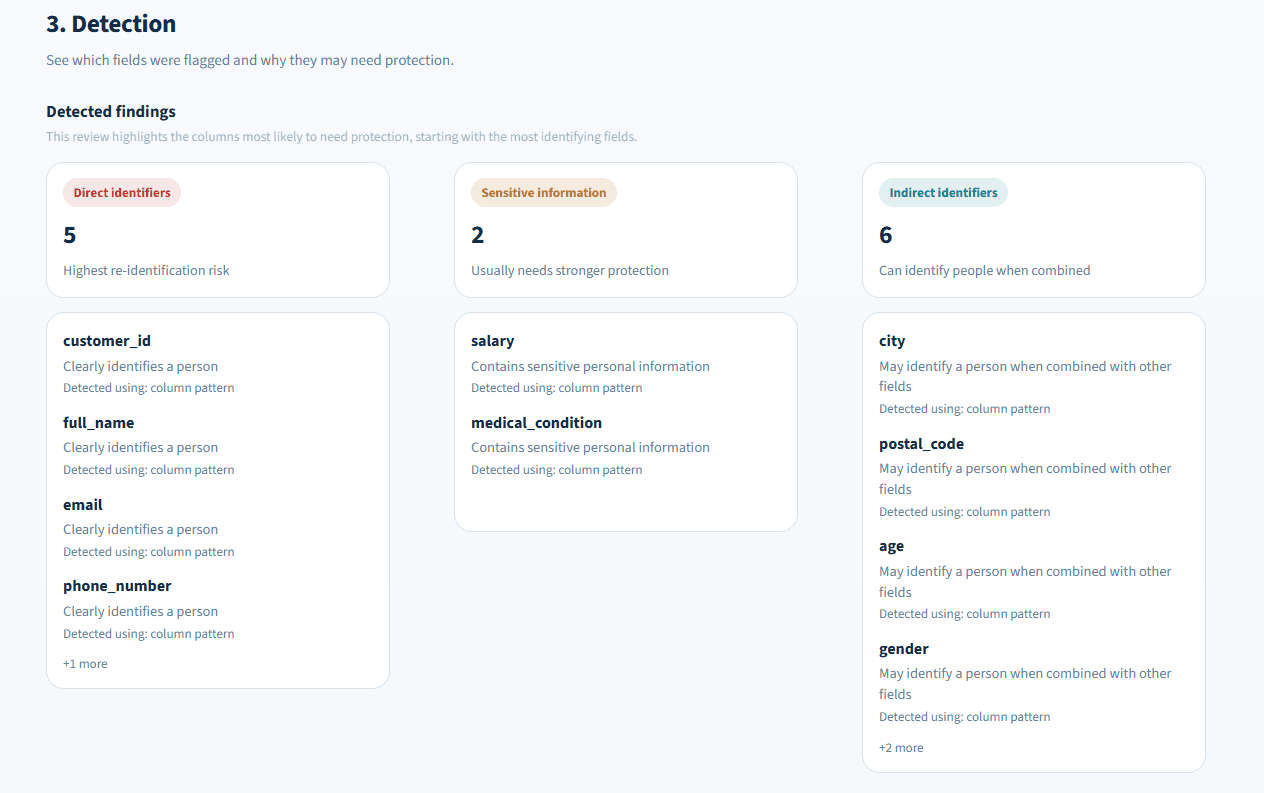
DataShield shows which columns were flagged and separates direct identifiers, sensitive information, and indirect identifiers.
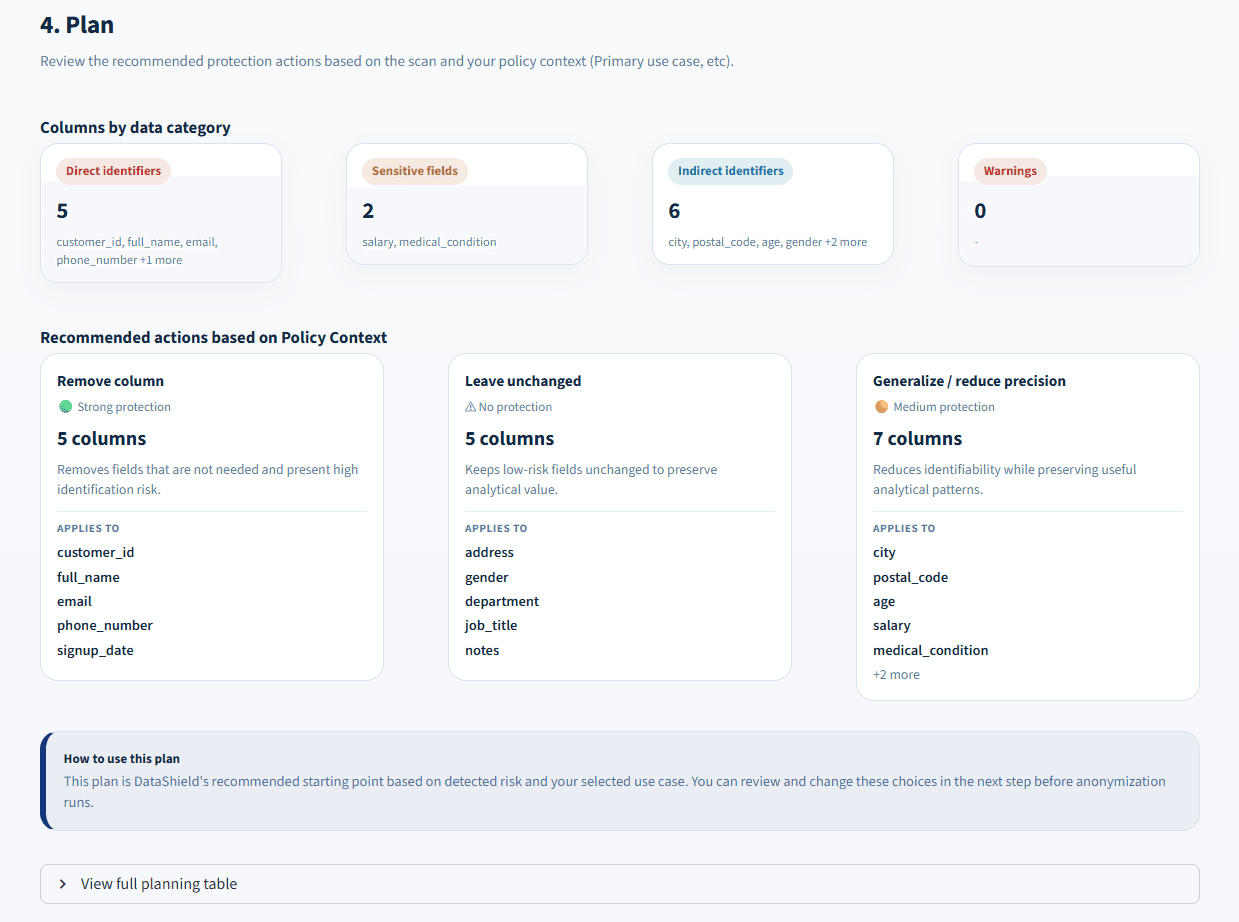
The application recommends actions based on the detected risks and selected policy context. The user can review these suggestions before applying any changes.
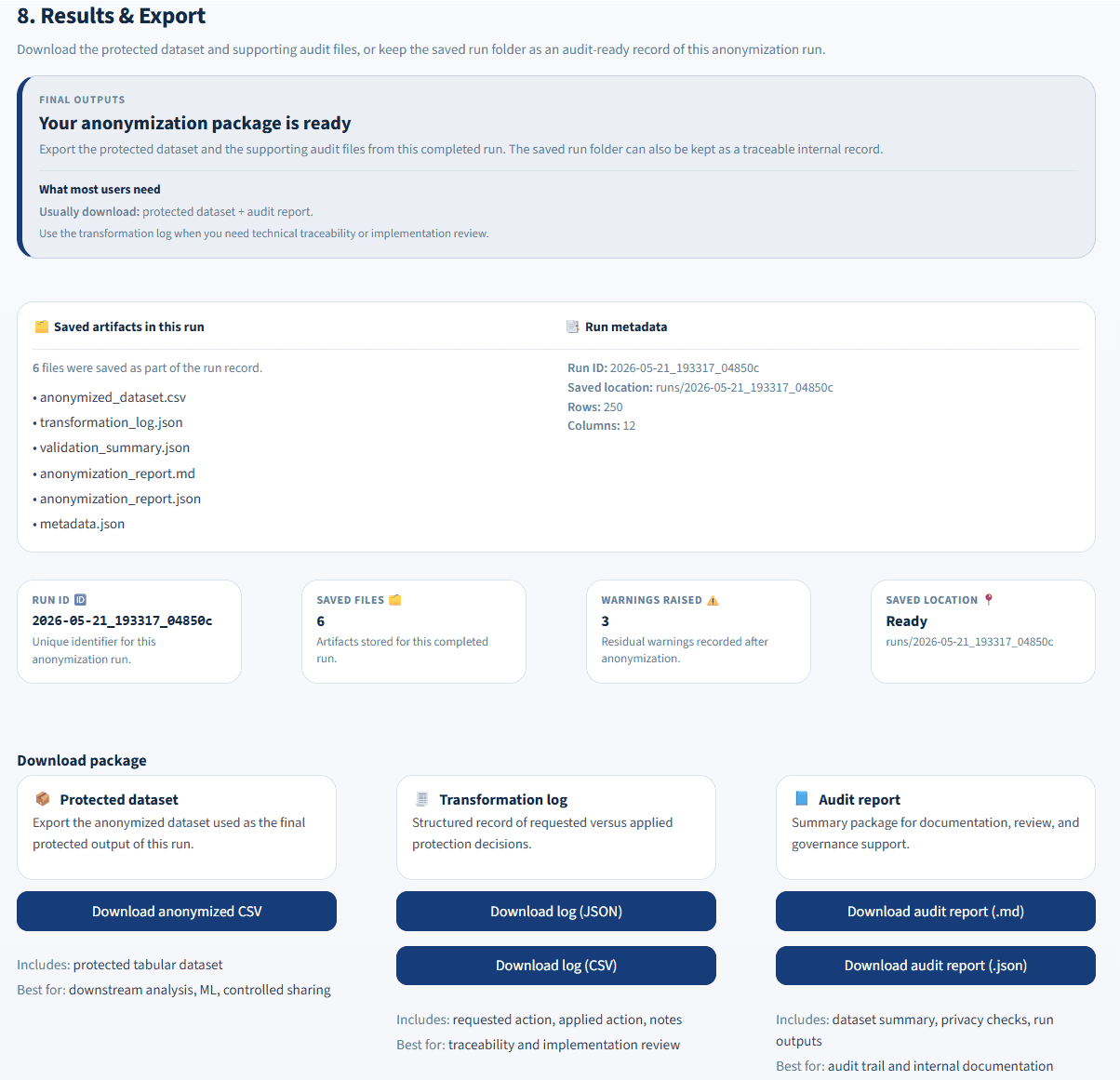
The completed run produces a protected dataset, transformation logs, validation results, metadata, and audit reports.
Privacy workflow
The workflow guides the user from the original dataset to reviewed anonymisation changes and final export files.
The user uploads a dataset. The application reviews its structure, column types, missing values, and other information needed for the privacy assessment.
The application checks columns for names, email addresses, identification numbers, locations, and other information that may identify a person.
Columns are grouped as direct identifiers, indirect identifiers, sensitive attributes, or general data. This helps explain why each field may need protection.
DataShield suggests suitable anonymisation actions. The user can review and change the plan before any transformation is applied.
The approved transformations are applied, and the application checks whether important privacy risks may still remain.
The application creates the anonymised dataset together with reports showing what was detected, what was changed, and the result of the final privacy review.
Validation and outputs
DataShield checks the transformed dataset and creates files that help explain what happened during the run.
The transformed dataset is checked again to identify privacy risks that may still remain.
The user receives the transformed dataset as a separate output instead of replacing the original file.
The report records detected risks, selected actions, applied changes, and the final validation result.
My contribution
Technology used
Current limitation
DataShield is a portfolio prototype tested with synthetic datasets. It supports a structured privacy review, but it does not replace a legal privacy assessment or a specialist review for real organisational data.
* Free hosted demo — it may take a moment to wake if inactive.